Introduction
Spending long hours at a desk can negatively affect your health, especially if you do not have proper support for your spine. Therefore, choosing an ergonomic office chair is essential for a comfortable and healthy workplace. Whether you work in the office or from home, the right seat can improve your comfort, increase productivity, and minimise the risk of back pain.
But what to look for while choosing the right one? What features should the ideal office chair have? In this article, we take a look at the most important features of task chairs and explain how they affect their use. Hopefully, this will make choosing a seat easier.

What to look for when buying an office chair?
A comfortable seat is key to increasing comfort and efficiency. The most important aspects to consider when choosing a task chair include:
- Ergonomic design - the backrest should support the natural curvature of the spine, especially in the lumbar region, to prevent muscle tension and pain, a swivel base allows for moving around the workstation.
- Adjustable elements – allow for adjusting the parameters of the chair to individual needs of the user and to their body.
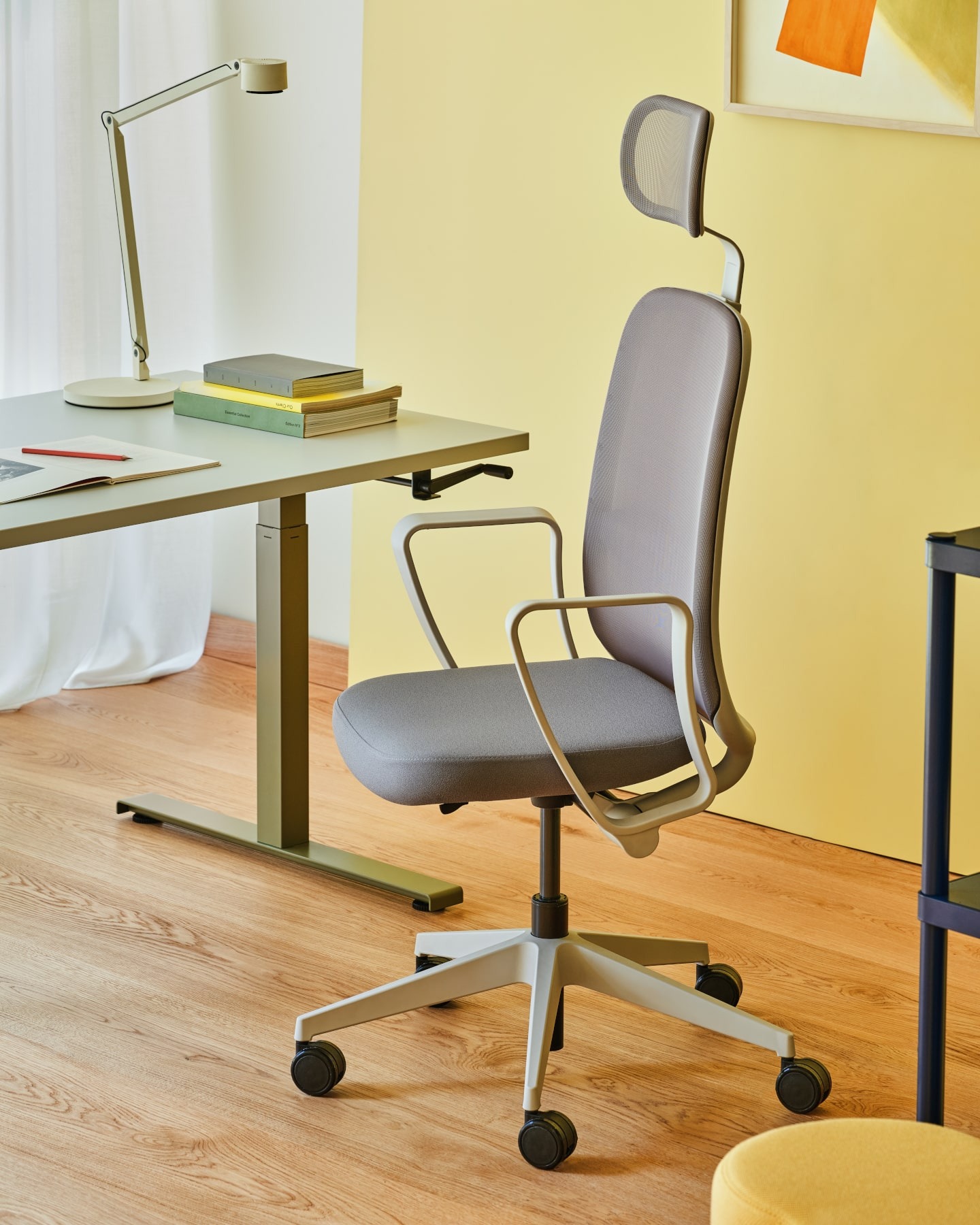
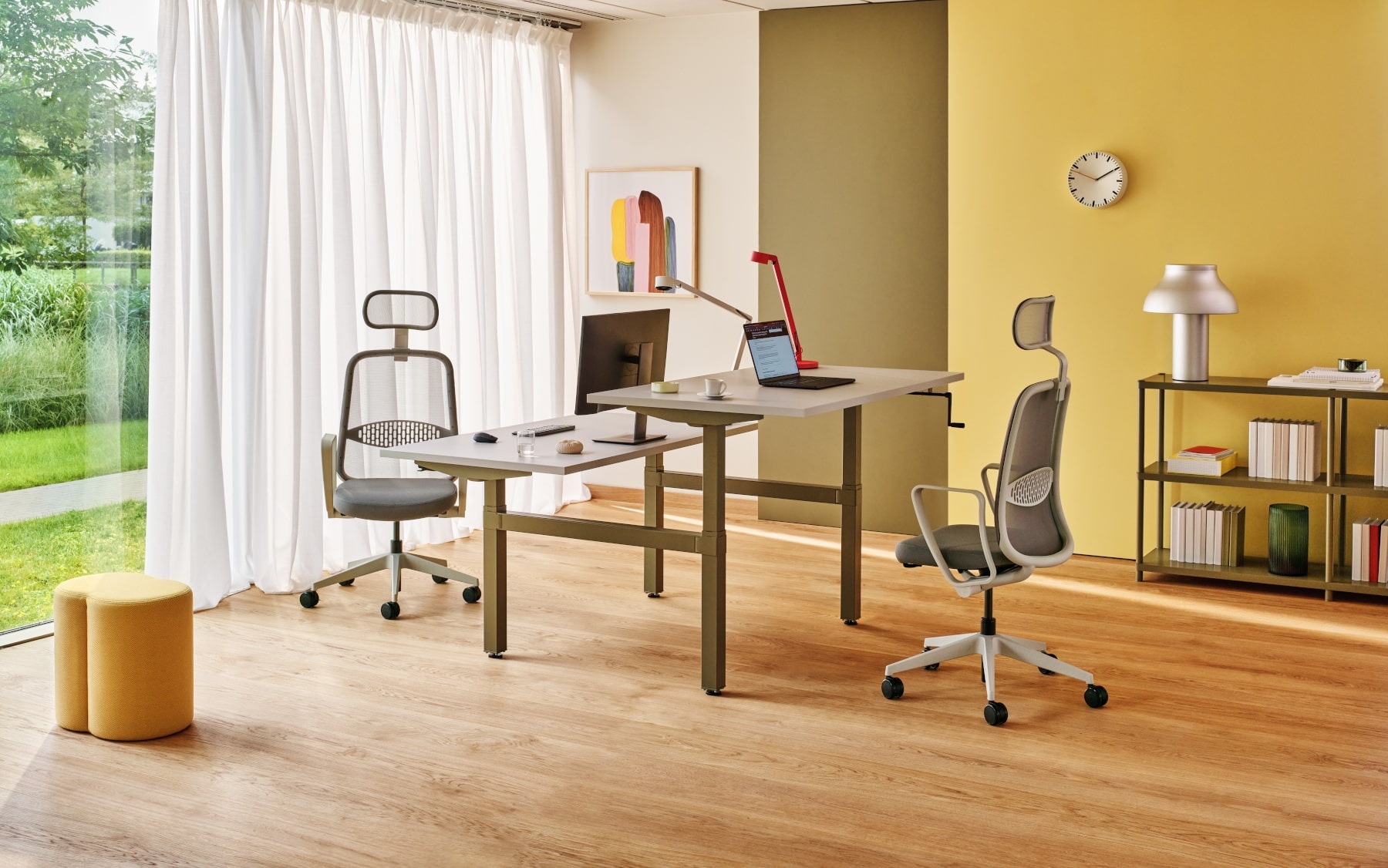
- Practical accessories - the office chair should have adjustable armrests, a headrest, and lumbar support, making it easier to adopt a correct posture and increase sitting comfort.
- Finishing materials - they affect the chair's properties: a mesh back will ensure proper air circulation, an upholstered one will remain soft and comfortable during long sitting, and a leather finish will give the whole piece an elegant character.

What are the most important adjustment options in an office chair?
Everyone has a different silhouette and different needs, so a good office chair should allow the parameters to be adjusted to suit the user. It is most important to have adjustable:
- seat height – to allow the legs to be positioned at 90 degrees to the floor,
- seat depth - to ensure proper thigh support without pressing on the knees,
- backrest angle - to enable a dynamic sitting position and relieve strain on the spine,
- lumbar support – to properly support the user's back,
- armrests - to provide adequate support for the forearms, it is necessary to adjust them in at least two planes,
- headrest - to help avoid neck strain or pain.
How to choose an office chair mechanism to suit individual needs?
When choosing an office chair, it is worth paying attention to the adjustment mechanisms, which affect its comfort and ergonomics. Two types are used in our models:
- Synchro Pro: a synchronous mechanism that allows for simultaneous tilting of the backrest and seat. The possibility of locking the backrest in 3 to 5 positions and adjusting the tension of the spring enables adjusting the resistance of the backrest to the user's needs.
- Auto Synchro: a self-weighting synchronous mechanism that automatically adjusts the strength of the backrest and seat tilt to the user's weight, eliminating the need for manual adjustment.
In addition, our office chairs are equipped with an antishock system, preventing the backrest from hitting the user's back. Some of our models also have a sliding mechanism for adjusting the seat depth.
Comparison of office chair models
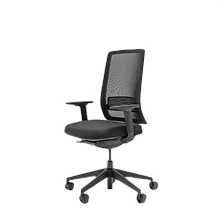
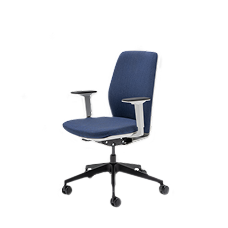
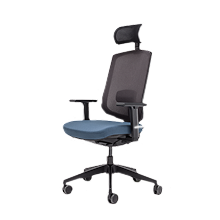
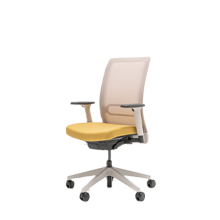
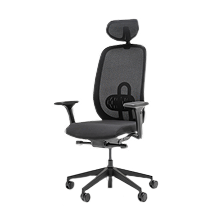
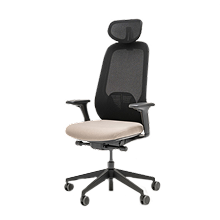
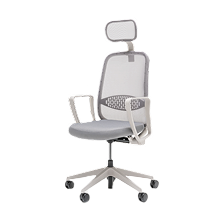
tilting yes, 40°
height adjustment yes, 60mm
none
125° / 55° tilt
60 mm height adjustment
none
height adjustment 62 mm
(18° tilt accompanying height adjustment)
height adjustment 62 mm
(18° tilt accompanying height adjustment)
height adjustment 80 mm
colour option
mesh
mesh or upholstered
mesh
mesh or upholstered
mesh
colour option
78 mm up-down adjustment
mesh
optional white backrest and armrests
mesh
up-down adjustment 75 mm
up-down adjustment 60 mm
up-down adjustment 60 mm
up-down adjustment 70 mm
height adjustment 80 mm
15 mm depth adjustment
3 positions: 0; +7.5 mm; +15 mm
45 mm height adjustment
1D NEXT
height adjustment 60 mm
2D NEXT (3D)
height adjustment 60 mm
front-to-back adjustment 50 mm
+ 3D side-to-side adjustment 50 mm
2D NEXT
height adjustment 60 mm
front-to-back adjustment 50 mm
2D V30 height adjustment 100 mm + 3D side-to-side adjustment - 35 mm 3D V30 height adjustment 100 mm front-to-back adjustment 60 mm width adjustment 45 mm + side-to-side adjustment - 35 mm
2D .mdd
height adjustment 115 mm
front-to-back adjustment 70 mm
4D .mdd
height adjustment 115 mm
front-to-back adjustment 70 mm
sideways adjustment 31 mm
cushion sideways adjustment 70 mm
cushion rotation range to be confirmed
4D KOAN
height adjustment 100 mm
front-back adjustment 50 mm
sideways adjustment 25 mm
cushion rotation 10° per side
YOGA/HALO 4D
height adjustment 100 mm
front-back adjustment 50 mm
sideways adjustment 30 mm
cushion rotation 15° per side
armrest without adjustment
2D .mdd
height adjustment 115 mm
front-back adjustment 70 mm
depth adjustment 75 mm
depth adjustment 60 mm
depth adjustment 100 mm
100 mm depth adjustment, drawstring upholstery – no foam pad required
depth adjustment 72 mm
depth adjustment 72 mm
lack of regulation
Self-locking 870
5 backrest locking positions, backrest tilt 0° - 20°, seat tilt 6°, working position 0°
Self-locking 700
4 locking positions, backrest tilt 0° - 16°, seat tilt 5.5°, working position 0°
Self-locking C20
1 locking position, synchro ratio 4:1, backrest angle 0° - 18°
C23
4 backrest locking positions, synchro ratio 3:1, backrest tilt 0° - 20.5°, seat tilt 4°
none
none
torsion bar
1 backrest locking position
none
Synchro 780
5 backrest lock positions, backrest tilt 0° - 20°, seat tilt 9°, working position 0°
Synchro C10
3 backrest lock positions, synchro ratio 2.7:1, backrest tilt 0° - 23°, seat tilt 10° negative tilt/negative seat angle -3°
C25
4 backrest lock positions, synchro ratio 3.6:1, backrest tilt 0° - 22°, seat tilt 4°
LYNX - SYM05413C
4 backrest locking positions, synchro ratio 1:2.2, backrest tilt 0° - 20°, seat tilt 9°, aluminium frame, steel mounting, PP levers
LYNX - SYM05413C
4 backrest locking positions, synchro ratio 1:2.2, backrest tilt 0° - 20°, seat tilt 9°, aluminium frame, steel mounting, PP levers
none
Summary - Which Chair is Best for Long Sitting Hours?
The choice of an office chair should be a well-considered one, as it affects the health and comfort of your daily work.
- Does the chair offer full adjustment?
- Does it provide adequate support for the spine?
- Are the materials and workmanship durable and comfortable?
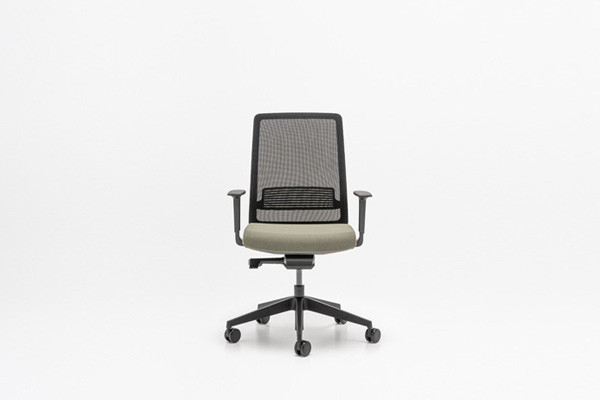
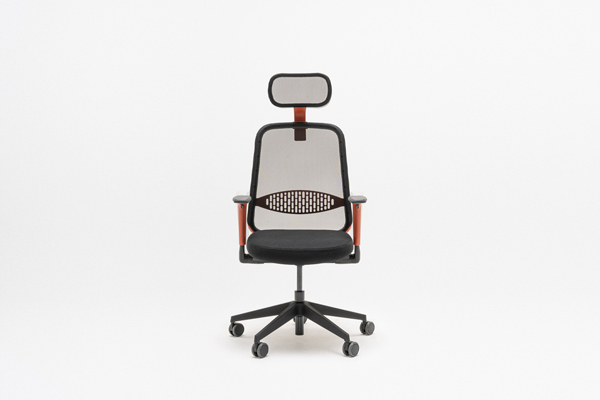
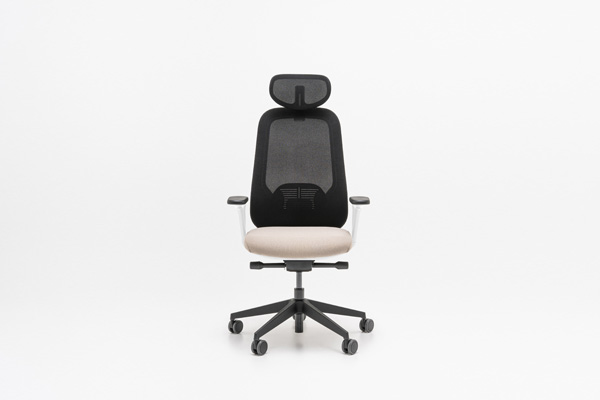
In our offer, you will find ergonomic models that combine modern design with functionality. Which one to choose? If you spend long hours at your desk or if you want a chair that is fully adjustable and precisely tailored to your needs, Ollie, Iris, and Sava will work best. For co-working and educational spaces where you sit for shorter periods, we recommend Astro, Apex and Evo.